AI garment previews from fabric photos
Fabric to finished garment,
in seconds.
Upload a photo of your fabric, describe the style, and see it stitched as a kurta, shalwar kameez, saree, frock or any garment. No sample, no photoshoot.
No credit card required · Start generating in minutes
Any fabric. Any garment.
From South Asian traditional wear to modern fashion, preloom handles it all.
- Men's Kurta (Formal): Band collar · full sleeves · slim fit. Generated by Preloom from a fabric photo.
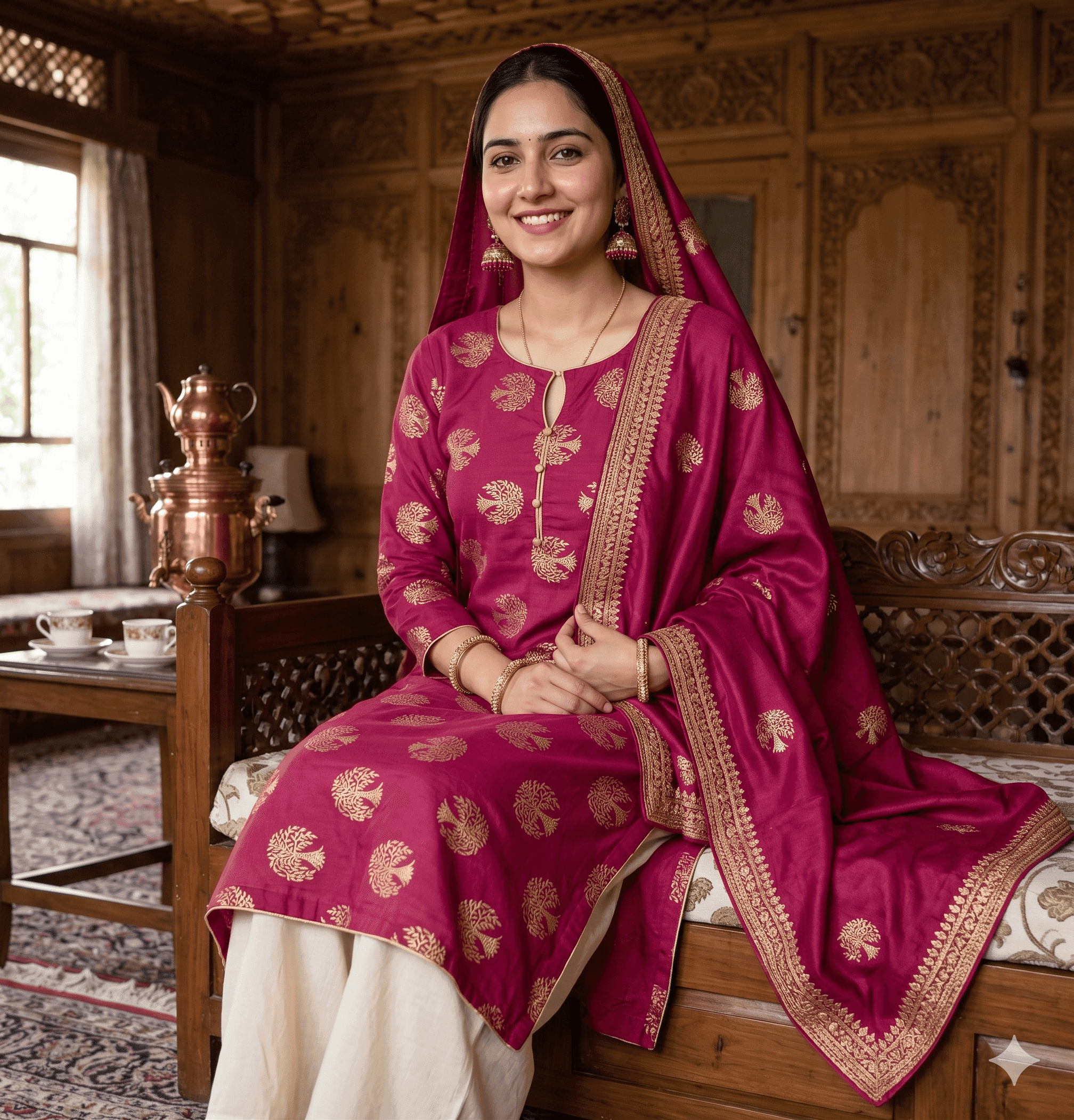
- Women's Kurta (Semi-formal): Brocade · contrast dupatta · classic. Generated by Preloom from a fabric photo.
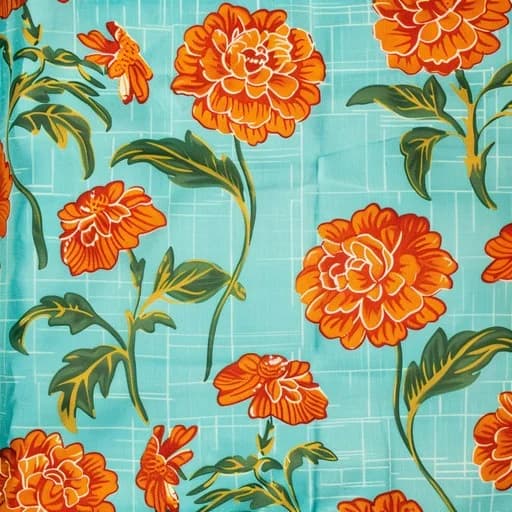
- Girls Frock (Casual): Floral print · gathered skirt · short sleeves. Generated by Preloom from a fabric photo.
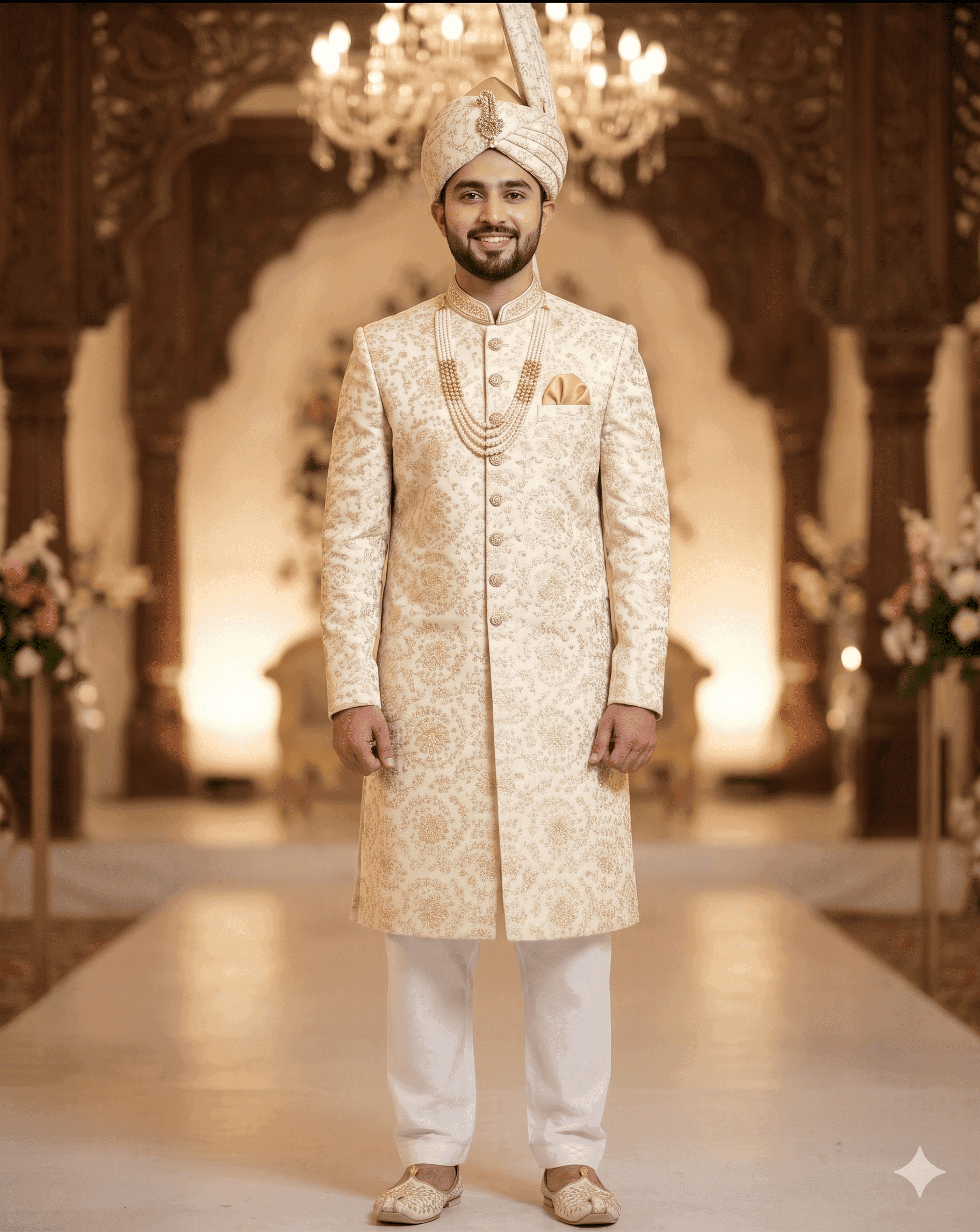
- Sherwani (Wedding): Embroidered · mandarin collar · floor length. Generated by Preloom from a fabric photo.
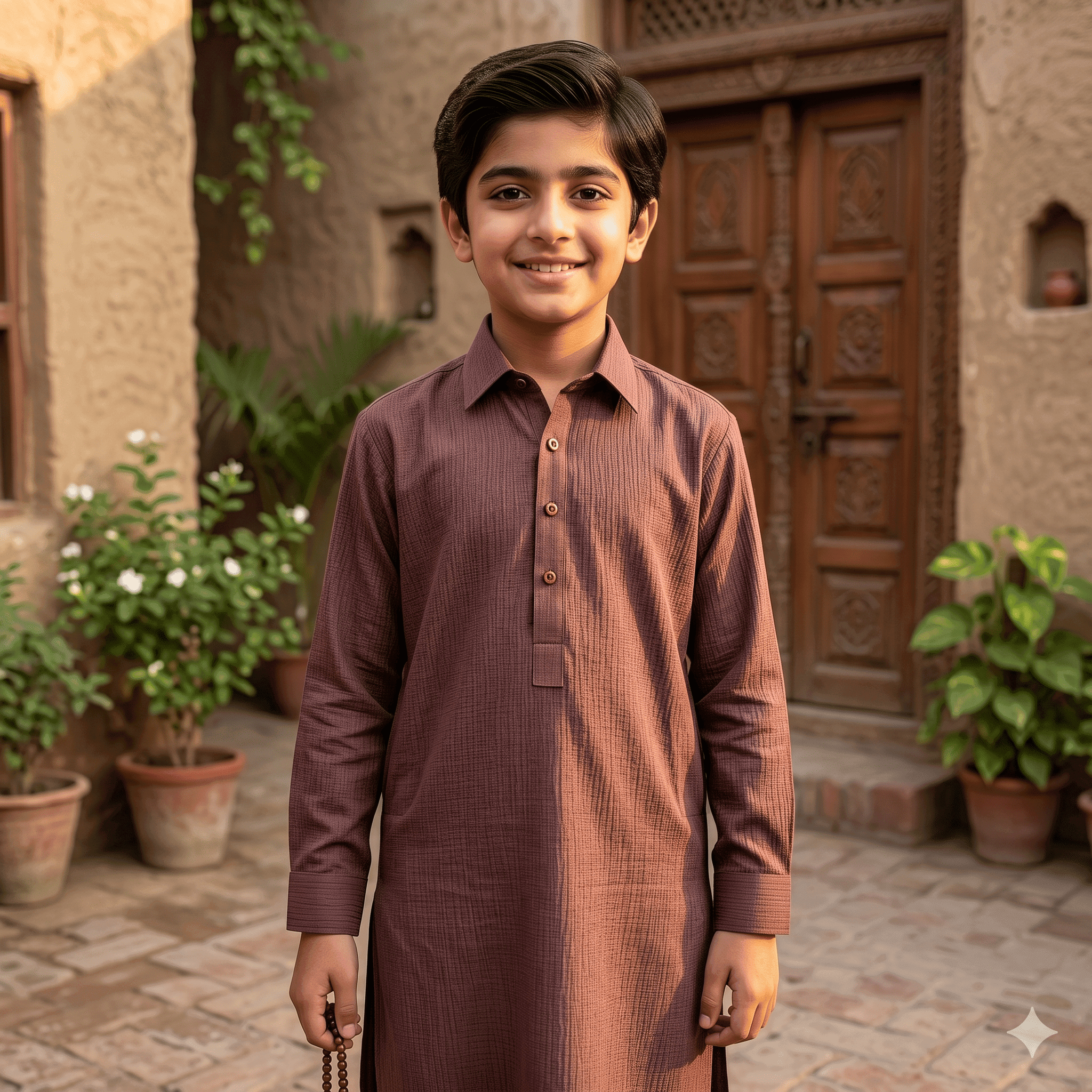
- Boys Kurta (Traditional): Classic collar · full sleeves · khaddar. Generated by Preloom from a fabric photo.
Built for the full textile supply chain
From raw fabric to finished lookbook, everyone in the chain benefits.
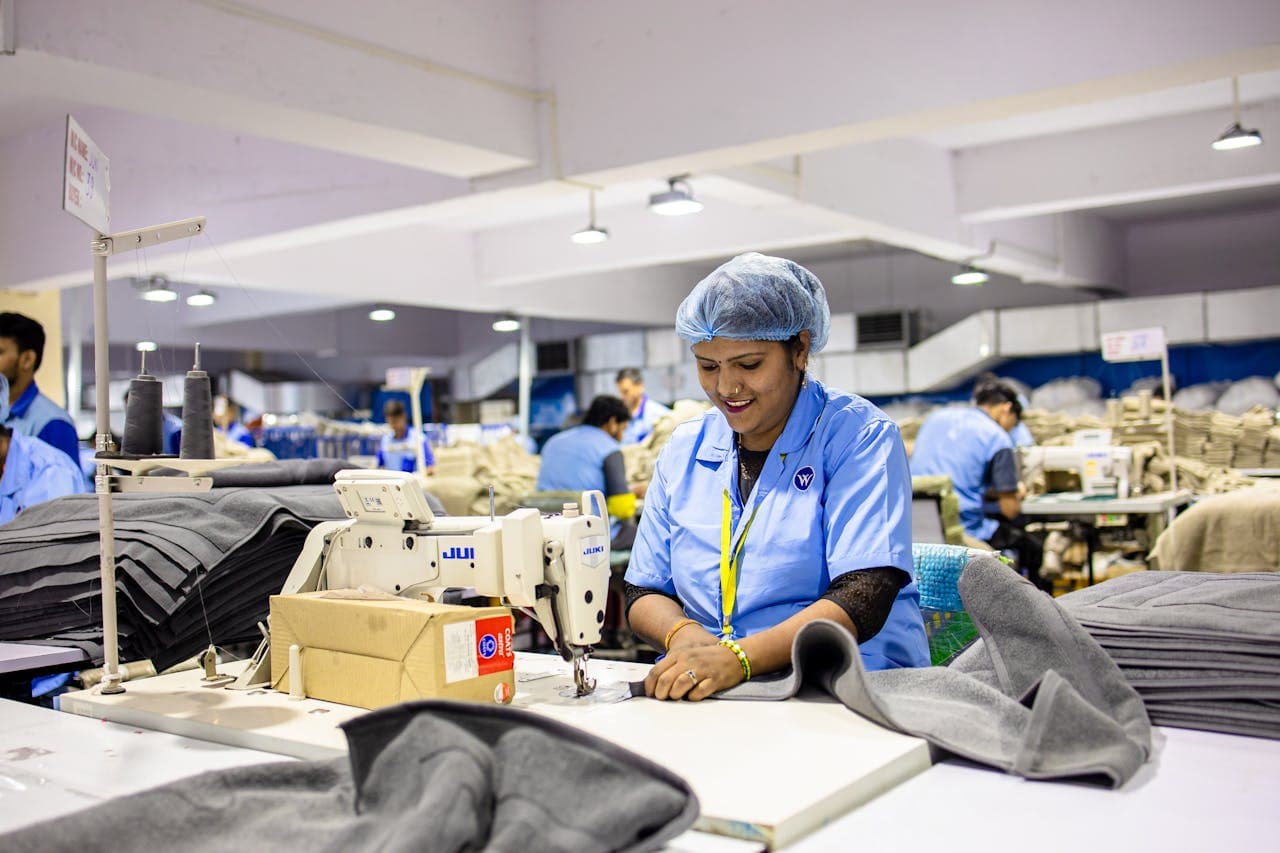
Show buyers how fabric looks stitched, before production begins.
Iterate on silhouettes without touching a sewing machine.
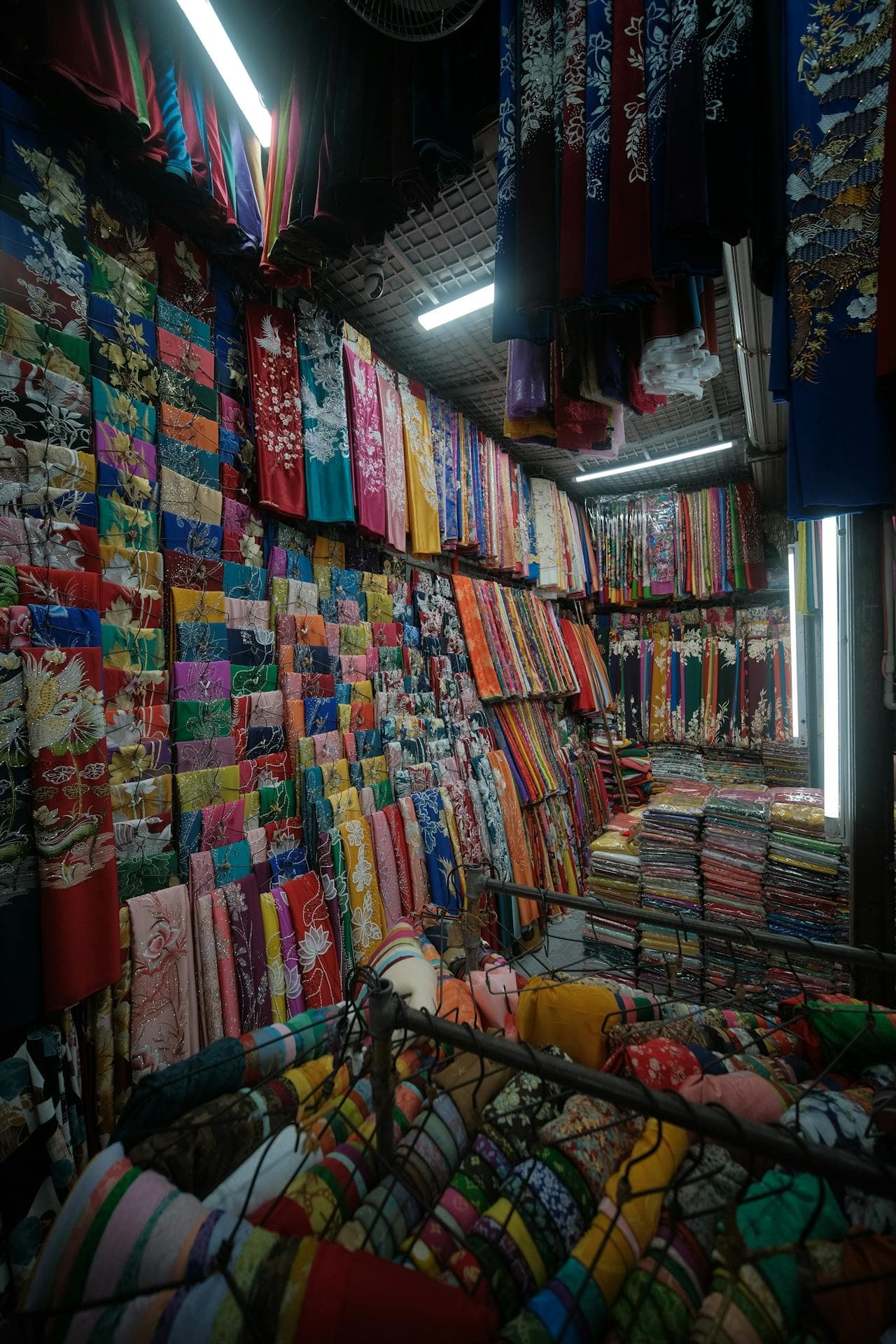
Help customers visualise their purchase and reduce returns.
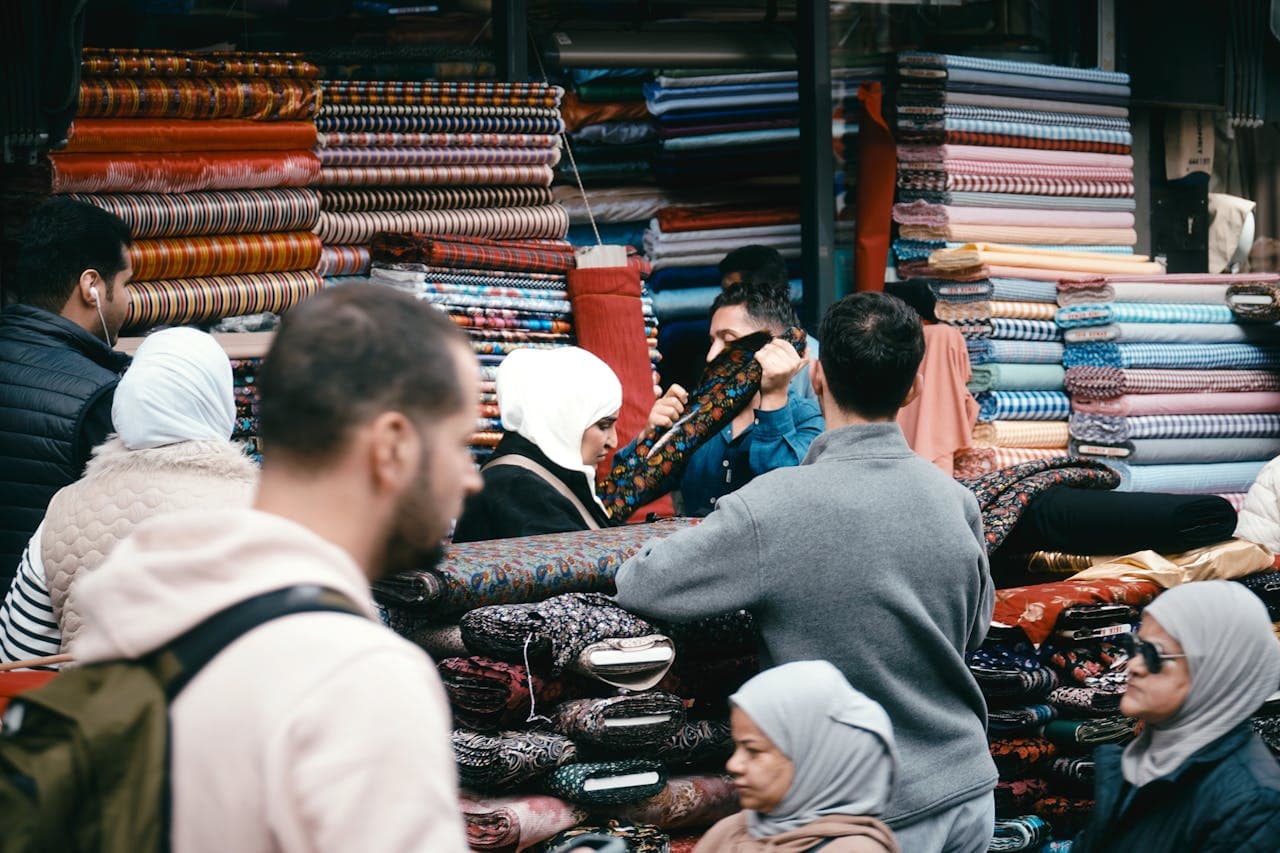
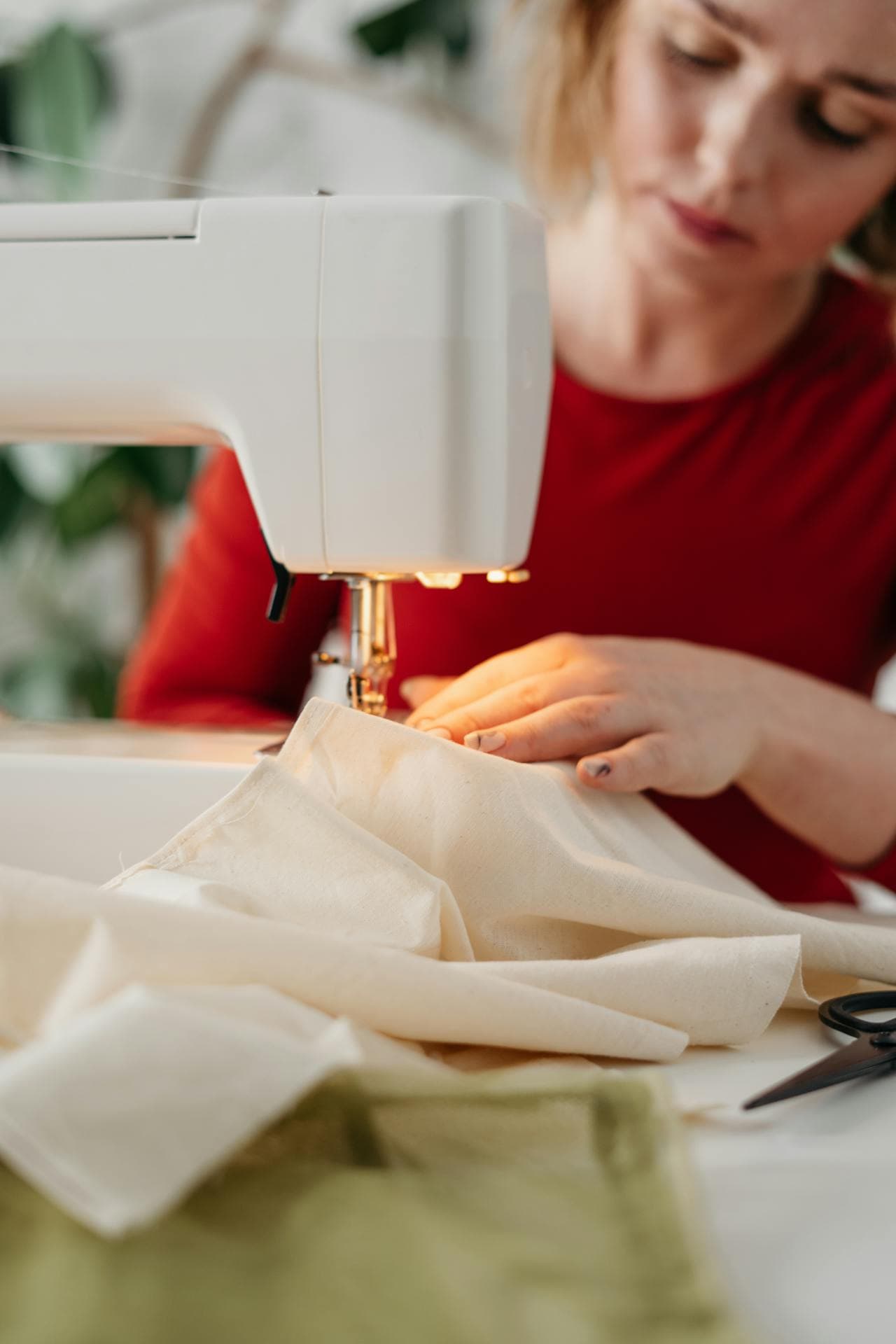
Design lookbooks, pitch collections, prototype ideas faster.
Fabric to lookbook in four steps
A simple, fast flow designed for fabric sellers, designers, and customers.
Photograph your fabric
Lay the fabric flat and snap a photo. Upload 1–4 fabric images. Optionally add reference garments to guide silhouette and drape.
Describe the design
Choose a garment type and write a style description: fit, collar, sleeves, length, and vibe.
Generate & refine
Get photoreal garment previews in seconds. Use plain-English tweak instructions to iterate on collar, length, or silhouette.
Place on AI models
Take any preview and generate a model render: a real person wearing your design. Full lookbook, no photo shoot.
Built for real workflows
Whether you're a textile factory, garment brand, independent designer, or fabric retailer, preloom fits your process.
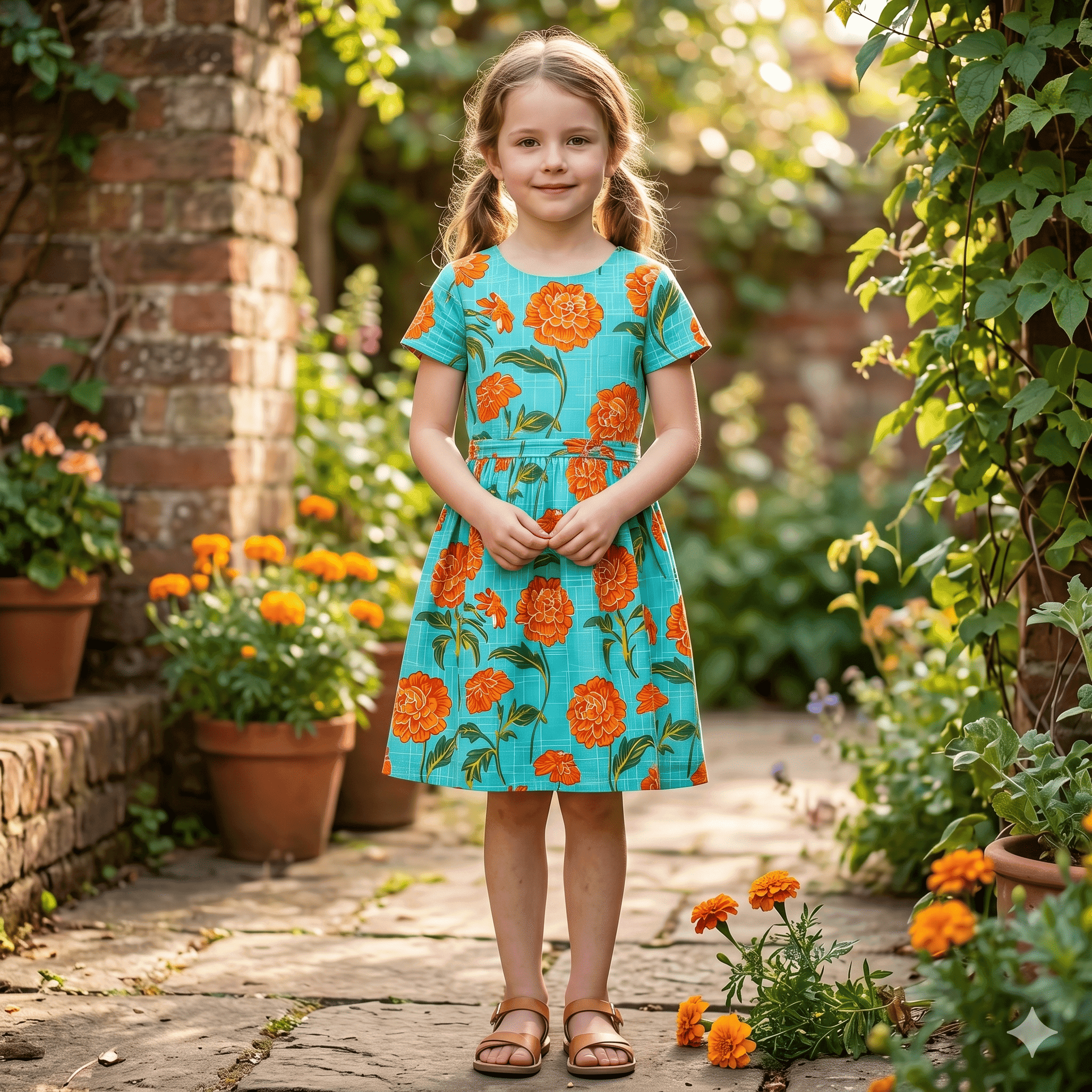
Tweak & iterate fast
"Make the collar mandarin, shorten sleeves to 3/4 length." Plain English, instant variants.
Private by default
All images stored privately. Previews load via short-lived signed URLs, never publicly exposed.
Wardrobe & gallery
Every preview and variant organised in one place. Browse, compare, refine, and delete with ease.
From bolt of fabric to finished garment in seconds
Upload a fabric photo, describe the style, and watch Preloom generate a photoreal garment preview. No stitching required.
Simple, credit-based pricing
Subscribe for monthly credits or buy a one-time pack. No hidden fees. Cancel anytime.
- Stitching / garment previews
- 30 credits per month
- Wardrobe & gallery
- Everything in Basic
- AI Model renders
- Style planning
- 50 credits / month
- Everything in Professional
- 100 credits / month
- Priority support
Preview any garment, for any business
Questions about Preloom
What is Preloom?
Preloom is an AI tool that turns a photo of fabric into a photoreal preview of a finished garment, such as a kurta, shalwar kameez, saree or frock, usually within a minute. It is built for textile factories, fabric sellers, clothing brands and designers who need to see a design before it is stitched.
How does Preloom turn a fabric photo into a garment?
You upload a photo of the fabric, choose a garment type, and describe the style in plain English: cut, neckline, sleeves, length and occasion. Preloom's AI generates an image of that fabric stitched into the garment, keeping its colour and print. You can then edit it in words, for example "make the sleeves three-quarter length". See how to photograph fabric for AI.
Which garments can Preloom design?
Preloom handles South Asian and western clothing: kurtas, shalwar kameez, sarees, lehengas, sherwanis, abayas, frocks, kids' wear, dress shirts, suits, gowns, maxi dresses and more.
How accurate are AI garment previews?
Colour, print and overall look follow the fabric photo closely when the photo is flat and evenly lit. Fine embroidery and exact print scale can be approximated, so treat a preview as a design decision tool and a marketing draft, and still stitch a physical sample before a bulk order.
Can Preloom put my design on a model?
Yes. Preloom can place any garment preview on a photoreal AI model, chosen from studio presets (from baby to senior) or your own photo of a person, with a pose and scene. AI model photos are included on the Professional and Enterprise plans.
How much does Preloom cost?
Preloom is free to start with 3 credits and no card. A design costs 1–4 credits depending on the AI model and quality. Plans are Basic at $30 a month for 30 credits, Professional at $50 a month for 50 credits, Enterprise at $100 a month for 100 credits. One-time packs (20 credits for $20, 50 credits for $50, 100 credits for $100) never expire. See pricing.
Are my fabric photos and designs private?
Yes. Everything you upload or generate in Preloom is stored privately and shown only through short-lived signed links. Designs are seen by others only if you share a collection link with them.
Ready to see your fabric come to life?
Create a free account and generate your first garment preview in under 2 minutes. No credit card needed.