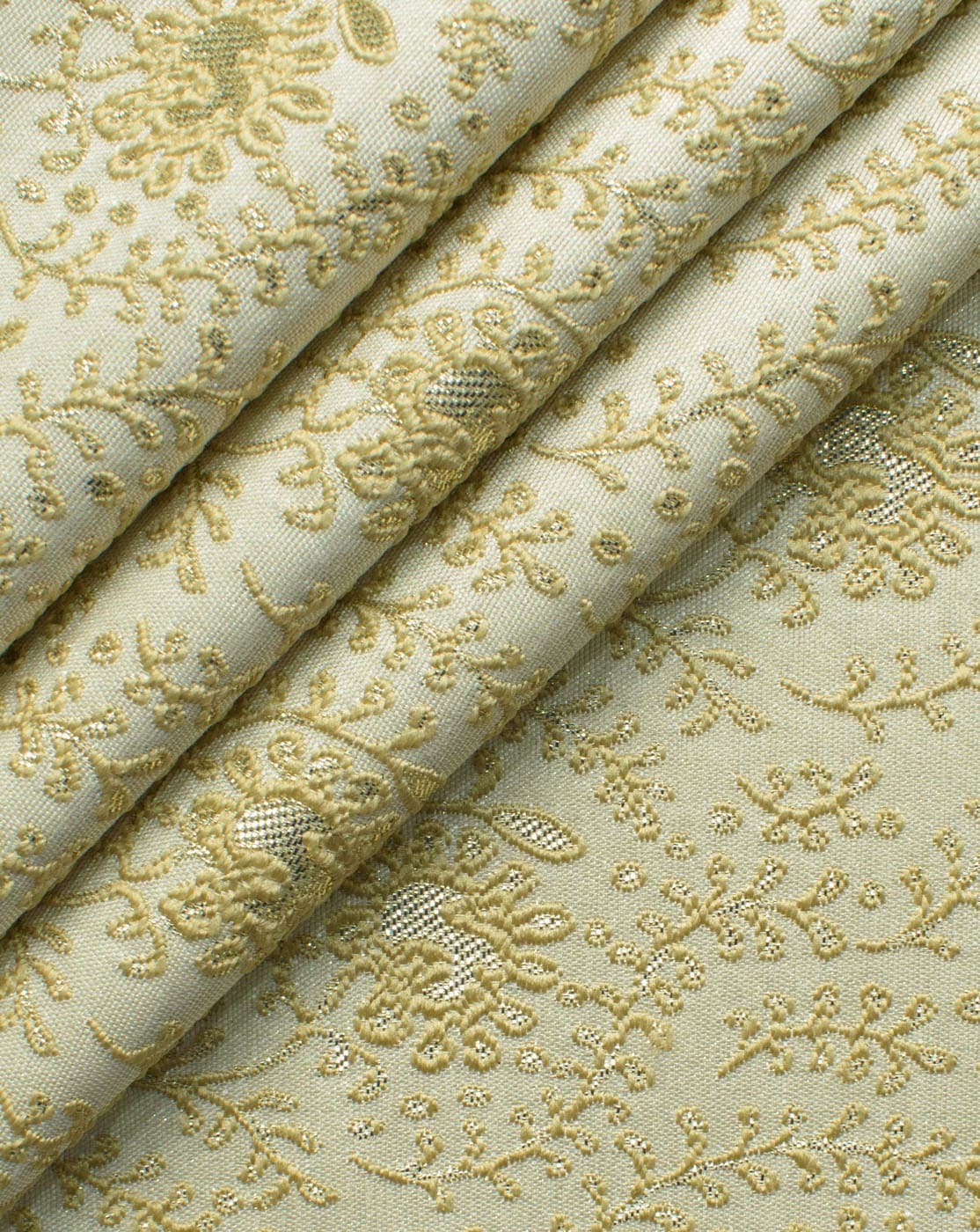

A textile factory can use AI to show buyers its fabric already stitched into garments, before anything is cut or sewn. With Preloom you photograph each fabric, choose garment styles, and get photoreal previews in about a minute each. Buyers review them through one link and approve or request changes, so physical samples are made only for designs that are likely to sell.
This is what the industry calls virtual sampling. It does not remove the sampling room. It moves the early yes-or-no decisions in front of it, where they cost a photo instead of a metre of fabric and a tailor's day. Our virtual sampling guide covers the method in more depth.
Where sampling slows a mill down today
A mill or factory usually presents a season as swatches, header cards or flat fabric shots. Buyers then have to imagine each print as a garment, which is hard for anyone outside design. To help them, the factory stitches physical samples. Each one ties up fabric, cutting and stitching time, plus courier days if the buyer is in another city or country.
The waste is in the samples nobody picks. When a buyer drops half the range after seeing it made up, every one of those samples was spent to learn a no. The bigger the season, the more of that spend goes on rejected designs.
Your step → how Preloom helps
| Your step | How Preloom helps |
|---|---|
| Building the season's fabric range | Save every swatch to the fabric library once, with its name and composition. Saving fabric costs no credits. |
| Showing prints as garments | Batch grids: pick up to 12 fabrics and up to 12 styles, and Preloom generates every combination, up to 60 designs per batch, in the background. |
| Sending the range to buyers | Group designs into a collection and send one share link. Buyers open it without creating an account. |
| Collecting buyer decisions | Buyers approve, request a change, or comment on each design, so feedback arrives design by design, not in a long message thread. |
| Handling change requests | Tweak a design in plain English, for example "shorter kurta, mandarin collar". Every version is kept in its history. |
| Deciding what to sample physically | Stitch samples only for approved designs. |
Example workflow: a season of 10 prints in one afternoon
- 1
Photograph and save the fabrics
Lay each fabric flat in daylight and upload it to the fabric library. The fabric photo guide explains how to get colour and print scale right.
- 2
Run one batch
Select the 10 fabrics and, say, 5 garment styles your buyers stock: men's kurta, shalwar kameez, waistcoat, women's kurta and kurta set. Because one batch is capped at 60 designs, 10 × 5 = 50 fits in a single run. The grid fills in as designs finish.
- 3
Pick the strongest designs
Leave out the combinations that do not work. Add them to a collection for the buyer.
- 4
Share the link
Send the collection link over email or WhatsApp. The buyer marks each design approved or asks for a change.
- 5
Revise, then sample
Tweak the designs with change requests, reshare, and send only the approved ones to the sampling room.
Which Preloom plan suits a textile factory?
Credits are the unit of cost. One design costs 1–4 credits depending on the model tier and quality, so a batch costs its number of designs times that rate. Low quality on the Preloom Standard or Preloom 2 tier is the cheapest setting. A batch reserves its credits when you submit it, and any design that fails is refunded automatically.
For a season of batches, Enterprise ($100 a month, 100 credits) gives the most room, and unused subscription credits carry over to the next month. Smaller mills testing the idea can start on the 3 free signup credits, then use Basic ($30, 30 credits) or a one-time credit pack (20, 50 or 100 credits for $20, $50 or $100, never expiring) around peak sampling periods. AI model photos need Professional or Enterprise. Full details are on the pricing page.