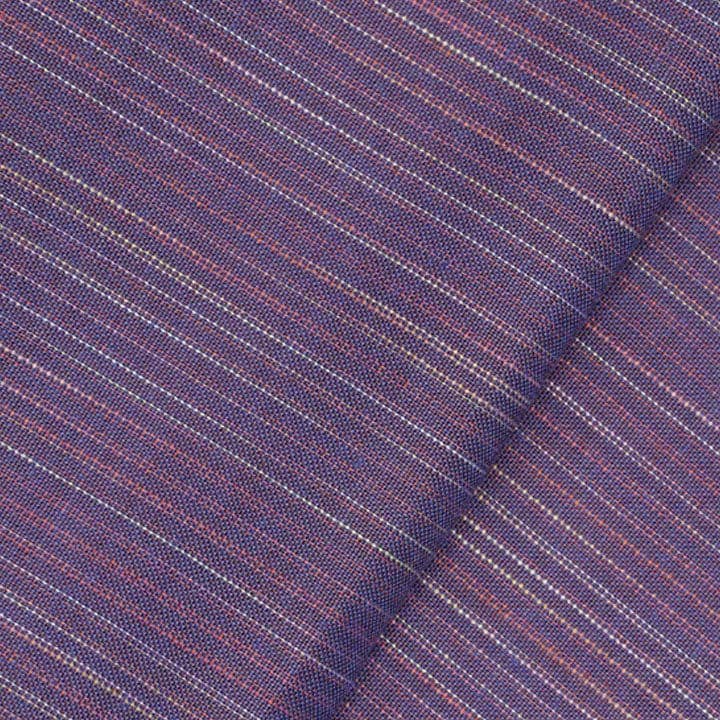
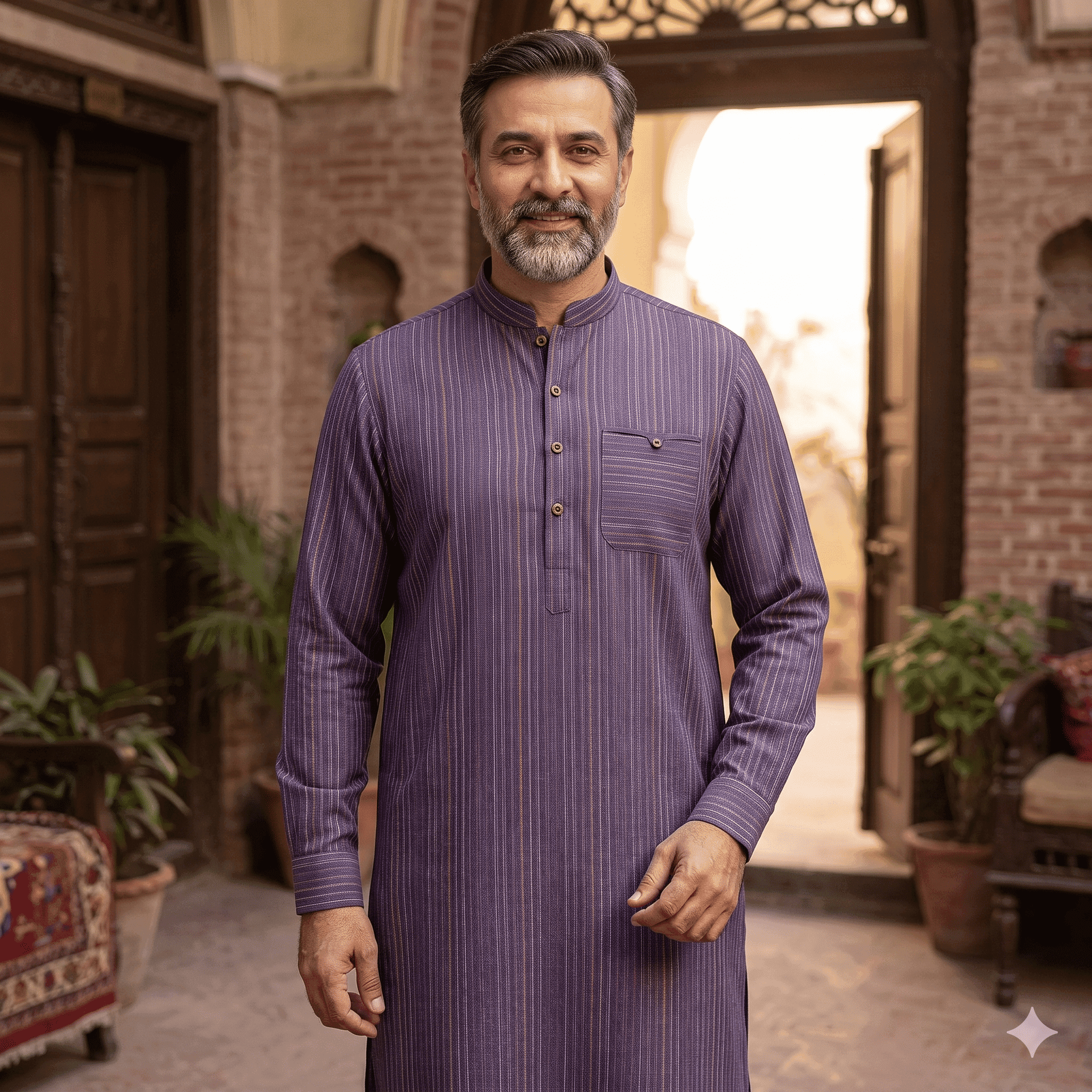
Clothing brands use AI garment previews to see a range before it is sampled. In Preloom you upload the season's fabrics, generate each one as the garments you plan to sell, and place the strongest designs on photoreal AI models. The team and buyers review everything through a share link, and only approved designs go on to physical sampling and the real shoot.
How range planning usually works, and where it stalls
A range typically starts as a fabric board and sketches. The design team picks fabric and style pairings, the sampling unit makes them up, and the strongest go to a photoshoot for the lookbook, website and marketplaces. Each step waits on the one before it.
Two things slow it down. First, people approve or reject designs they have only seen as sketches, so the real decision happens late, after sampling. Second, early marketing work such as a pre-launch post, a buyer deck or a wholesale catalogue needs images before the shoot exists.
Your step → how Preloom helps
| Your step | How Preloom helps |
|---|---|
| Fabric board | Save each fabric to the fabric library with name and composition, and see every design made from it. |
| Pairing fabrics with styles | Batch grids: up to 12 fabrics × up to 12 styles, every combination generated, max 60 designs per batch. |
| Internal review | Group designs into a collection and share one link. Reviewers approve, request a change or comment per design, with no account needed. |
| Design changes | Tweak in plain English ("mandarin collar, side slits, cuffed sleeves"). Every version stays in the history. |
| Draft catalogue and lookbook images | Place any preview on a photoreal AI model: studio presets for women, men, seniors, teens and children, or your own model's photo, with a chosen pose and scene. Professional and Enterprise plans. |
| Wholesale and buyer approval | Send buyers a collection link and track their decision on each design. |
Example workflow: an Eid menswear capsule
- 1
Upload the capsule fabrics
Say six fabrics for a men's capsule. Save them to the library so the whole team works from the same swatches.
- 2
Batch them against your blocks
Choose men's kurta, shalwar kameez and waistcoat: 6 × 3 = 18 designs in one batch.
- 3
Shortlist internally
Share the collection with the design head and merchandiser. Drop rejected designs and tweak the rest.
- 4
Draft the imagery
Put the shortlisted designs on the male studio preset for a buyer deck and teaser posts. Our AI model photos guide covers poses and scenes.
- 5
Sample and shoot the winners
Make physical samples only for the approved pieces, and book the real shoot for final campaign images.
Which Preloom plan suits a clothing brand?
Most brands need AI model photos, which start on Professional ($50 a month, 50 credits). A brand running several capsules a season will get more room from Enterprise ($100, 100 credits). Unused subscription credits carry over, and credits for a failed generation are refunded automatically.
One design costs 1–4 credits depending on model tier and quality. A sensible split is low quality for batch exploration and Preloom 2 Pro at high quality for the few images that go in front of buyers. You can test on the 3 free signup credits first. See pricing and our comparison of AI fashion design tools.