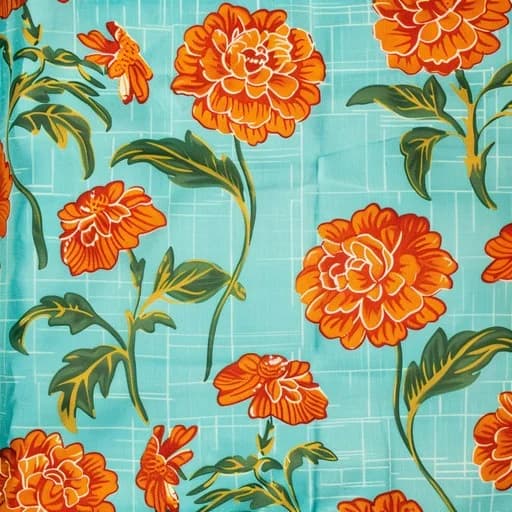
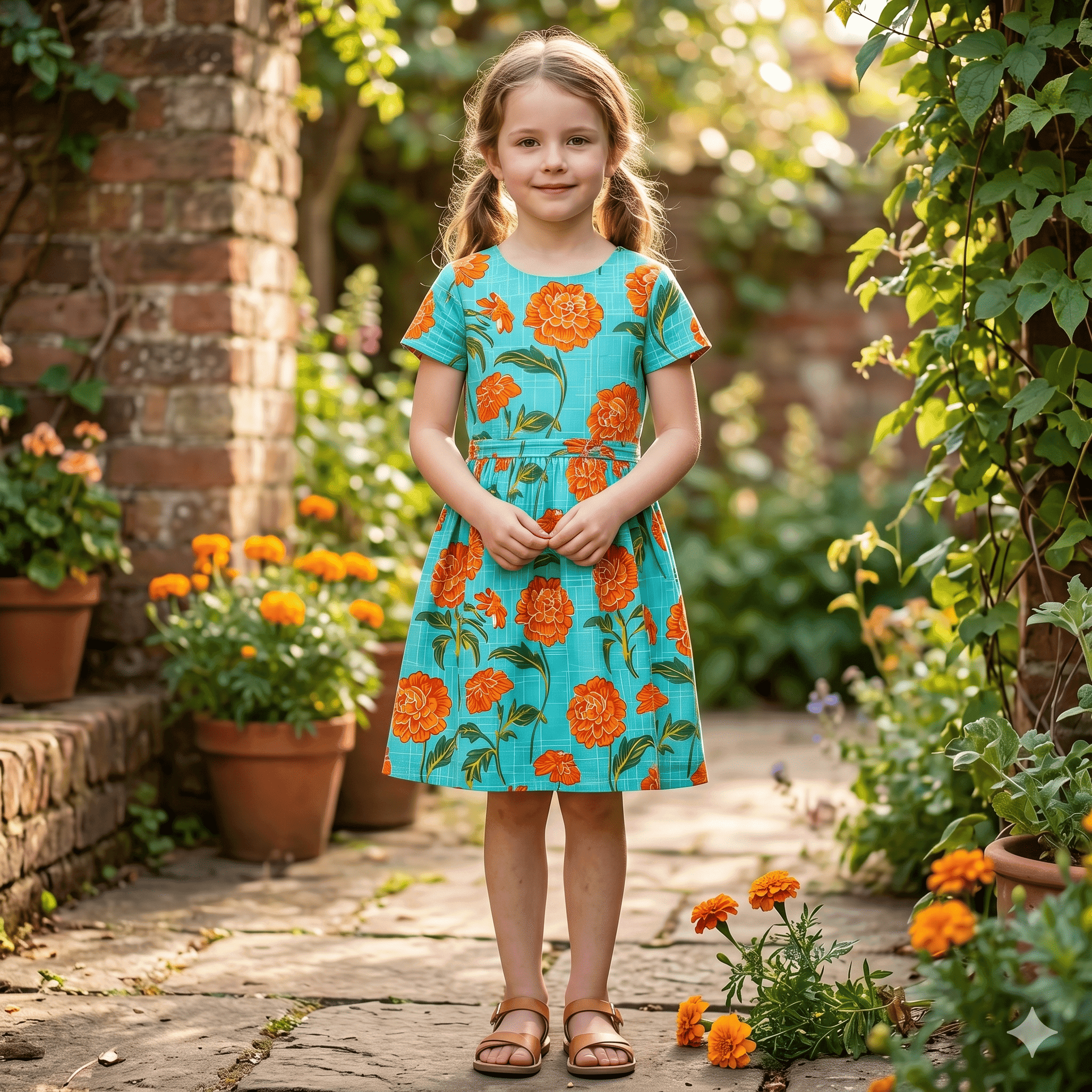
Fashion designers use AI garment previews to test ideas on real fabric before cutting it. In Preloom you photograph the fabric, describe a silhouette in plain English, and get a photoreal preview in about a minute. You can then show the client three or four options, refine the one they choose, and keep each version in the design's history.
The boutique problem: clients choose from sketches
In a boutique, a client often brings her own fabric, or picks one from your stock, and asks what it should become. You sketch, show references from other fabrics, or describe it. She has to picture her print in a cut she has only seen in a different colour.
If she is unsure, the decision drags, or she changes her mind after cutting. Cut fabric cannot be uncut, and a bridal or formal piece is often too expensive to remake.
The same gap shows up when you design your own small collection. You want to see a print as a frock, a kurta and a gown before committing a whole roll to one of them, and making up each option by hand takes days.
Your step → how Preloom helps
| Your step | How Preloom helps |
|---|---|
| Client brings fabric | Photograph it and save it to the fabric library under her name and the fabric's composition, free. |
| Exploring silhouettes | Generate the same fabric as an A-line kurta, a frock, a gown or a lehenga choli. Add a reference garment photo to guide silhouette and drape. |
| Showing options | Put the options in a collection and send the link. The client approves, requests a change or comments on each, without an account. |
| Client asks for changes | Tweak in words: "boat neck, longer sleeves, add a border at the hem". The earlier versions stay in history, so you can go back. |
| Final presentation | Generate the approved design at high quality on Preloom 2 Pro for the most detail. |
Example workflow: a formal frock for a client
- 1
Photograph her fabric
Flat, in daylight, with a full repeat of the print. See the fabric photo guide.
- 2
Draft three silhouettes
At low quality, which is quick and cheap, try a gathered frock, an A-line frock and a kurta with the same fabric. Describe neckline, sleeves and length in each.
- 3
Share and let her choose
Send the collection on WhatsApp. She approves one and asks for longer sleeves.
- 4
Tweak, then finalise
Apply the change in plain English and regenerate the chosen version at high quality to confirm with her before you cut.
- 5
Cut to her measurements
The preview is the agreed look. Your pattern, her measurements and a fitting do the rest.
Which plan suits an independent designer?
Start on the 3 free credits at signup and try it with one client's fabric. One design costs 1–4 credits depending on model tier and quality, so drafting three options at low quality and finalising one at a higher quality usually costs a handful of credits per client.
A designer seeing a few clients a week fits Basic ($30 a month, 30 credits). If you also want designs on an AI model for your Instagram or lookbook, choose Professional ($50, 50 credits). Unused subscription credits carry over, and one-time packs (20, 50 or 100 credits for $20, $50 or $100) never expire, which suits seasonal work like wedding season. See pricing, and our kurta neck designs post for phrasing ideas.